


Read & Write Api Magic: Events, Data & Reporting
The Opentracker Web API can be used to create reports exactly as you need and envision; send custom data to our servers, and query the data in realtime.
For example serving content based on geographic location, A/B testing, or dynamic form building.
Push Data into your CRM
It is a bit like magic: using Opentracker you can tell your CRM when companies visit your website and where they click. In other words, we measure engagement across your digital assets, and can send the data where it needs to go with our API.
Reading Data
You can use the Opentracker web API to read or get data. All reports are available as api calls. You can chain, link, mashup or combine api data to create reports which are customized or more advanced than those available in the default reporting interface.
Writing Data
You can use the Opentracker API to write or add data. Inserting data (events) can be done by submitting an event to our logging servers with a secure https request. The API has been designed to be fast, redundant, fault tolerant, and scalable for high event volume.
Writing Data
This is what makes us unique. Click here to read about the ability to search through large quantities of data in real time.
Web, App or Big Data
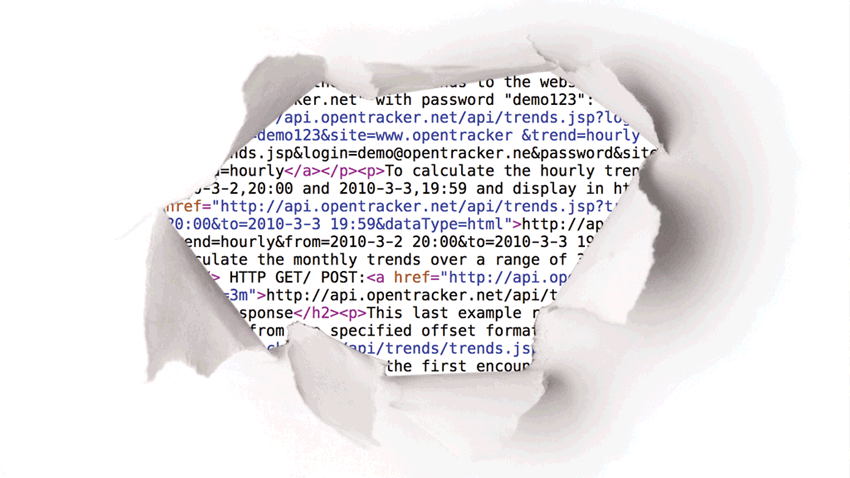
Use Opentracker to log/read any data real-time and create custom reports.
We can insert, store, and re- trieve data from any signal sent over the net.
Our Scalable Analytics engine runs on the same technology that drives Twitter, Facebook, Google, etc, meaning that you don’t have to worry about spikes, ceilings, or volume increase.
Event-based
Both the API itself and its use have been designed with sim- plicity and computing power in mind. Internet enabled environ- ments and devices with
access to the web can send API requests. Examples include static html pages, dynamic webpages, Content Manage- ment Systems (CMS), Cus- tomer relationship management systems (CRM), Smartphones, and virtually any device that can be connected to the internet.
The Opentracker javascript contains functions and listen- ers making it easy to insert your custom events into the Open- tracker Events Engine.
Custom Events
You can send us any event with a simple javascript call that we provide. We also provide a simple javascript function which allows you to send us multiple event key/ pair data entries. Additionally, you can also compile your own post or get request if you require more control.
There are predefined event types that determine how an event is processed and shown in the reporting interface. For example, the eventType called “email” will add the value of that event to the user profile and
will be ranked in the report Top Emails.
Export/ file formats
Within organizations it is crucial to share information with col- leagues, departments or other systems. The easier to do so, the more likely that important insights will be shared. This strengthens the process of decision-making.
Opentracker wants you to do something with the numbers we collect. For that reason
we support options for export- ing reports into numerous file formats. It is also possible to stream data to colleagues or clients through a mashup or portal – please see developer API functionality for all possible options.
We currently support the following formats: json, CSV, jsontable, PDF, SVG and html. More file formats can be added upon request.
Additional feature information
Opentracker provides a powerful API that lets you push and pull visitor data to and from your existing tools. Connect your CRM, marketing automation platform, back-office system, or data warehouse — and make your visitor data work everywhere.
What You Can Do With the API
- Push visitor identities and session data into your CRM automatically
- Populate lead records with full visit history, pages viewed, and referrer data
- Trigger CRM events when a visitor hits a key page (pricing, sign-up, checkout)
- Pull engagement data into your reporting dashboards and BI tools
- Send custom events from your app, CMS, or e-commerce platform
Populate Your CRM With Real Visit Data
Every time a visitor you've identified returns to your site, Opentracker can update their CRM record with the pages they viewed, time spent, and conversion events triggered. Your sales team sees a live timeline of prospect activity — no manual data entry required.
Technical Details
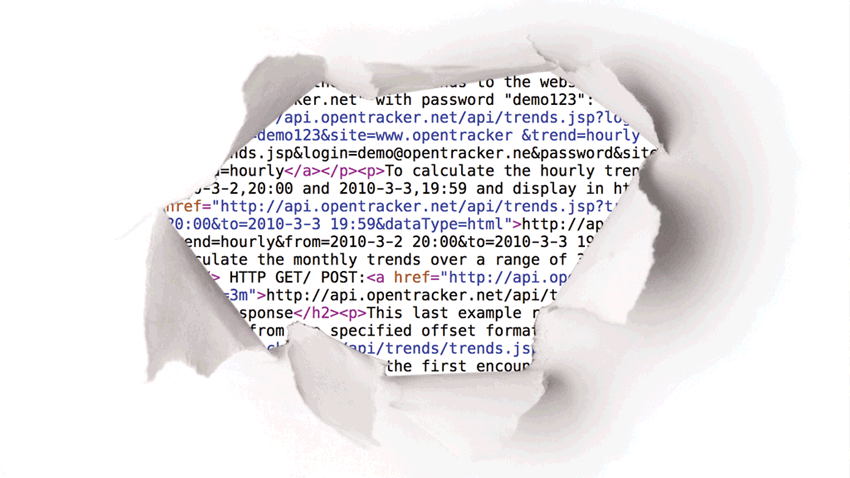
The API accepts both GET and POST requests over HTTPS. Any internet-enabled device or platform can send data — static HTML pages, dynamic web apps, CMS systems, smartphones, and more. Responses are returned as JSON, making integration straightforward in any language or framework.
Example Integrations
- Salesforce — sync visitor data to lead and contact records
- HubSpot — enrich contact timelines with on-site behaviour
- Pipedrive — trigger deal stage changes based on visit activity
- Slack — receive real-time notifications when a target account visits
- Custom dashboards — pull any metric via the REST API
Reports and Export Formats
Reports can be read through API calls and combined into custom dashboards, portals, or advanced reports. Available export formats include JSON, CSV, JSON table, PDF, SVG, and HTML.